क्रिकेट स्पोर्ट्स बॉलीवुड राजनीति जॉब - एजुकेशन बिजनेस लाइफस्टाइल देश अंतरराष्ट्रीय टेक्नोलॉजी छत्तीसगढ़

---Advertisement---

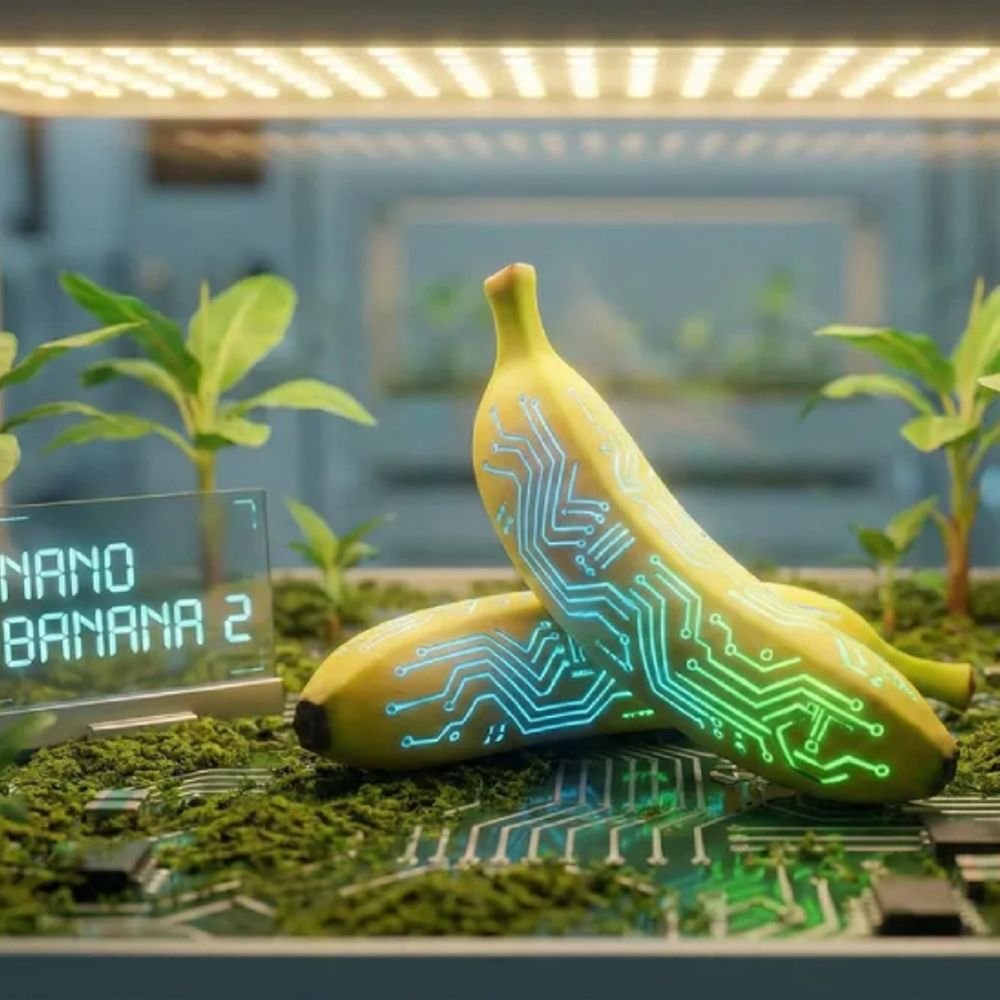
रियल-टाइम सर्च पावर के साथ आया नैनो बनाना 2:शब्दों से तुरंत 4K इमेज बनाएगा; फोटो का बैकग्राउंड भी ज्यादा सटीकता से बदलेगा

On: फ़रवरी 27, 2026 11:18 पूर्वाह्न
Follow Us:
रियल टाइम सर्च पावर के साथ आया नैनो बनाना 2:शब्दों से तुरंत 4k इमेज बनाएगा; फोटो का बैकग्राउंड भी ज्यादा सटीकता से बदलेगा
---Advertisement---

गूगल ने अपना अब तक का सबसे तेज और एडवांस AI इमेज जनरेशन मॉडल नैनो बनाना 2 लॉन्च कर दिया है। CEO सुंदर पिचाई ने इसे गूगल का ‘बेस्ट इमेज मॉडल’ बताया है। यह नया टूल कल्पना को हाई-क्वालिटी तस्वीर में बदल सकता है। गूगल सर्च की मदद से रियल-टाइम जानकारी का इस्तेमाल कर सटीक और असली दिखने वाली इमेज भी तैयार करता है। यह साधारण AI टूल्स की तुलना में ज्यादा तेजी से और ज्यादा बारीकी के साथ रिजल्ट देता है। आइए जानते हैं कि यह टूल कैसे आपके काम आ सकता है… 1. पुरानी फोटो को नया लुक देना: चेहरा वही, स्टाइल नया अक्सर हम अपनी किसी पुरानी फोटो का बैकग्राउंड बदलना चाहते हैं, लेकिन चेहरे में बदलाव आने का डर रहता है। नैनो बनाना 2 की ‘फेस कंसिस्टेंसी’ खूबी की वजह से अब आप अपनी फोटो में चेहरा वही रखकर सिर्फ कपड़े, हेयरस्टाइल या बैकग्राउंड सटीकता से बदल सकते हैं। कैसे करें: बस फोटो अपलोड करें और कहें- “मेरा चेहरा यही रहने दें, लेकिन मुझे पहाड़ों के बैकग्राउंड में फॉर्मल सूट पहने हुए दिखाएं।” यह तुरंत नई इमेज जनरेट कर देगा। 2. बच्चों की पढ़ाई और प्रोजेक्ट्स में मदद: अब खुद बनाएं इन्फोग्राफिक्स इस टूल की समझ इतनी गहरी है कि यह जटिल ग्राफिक्स भी बना सकता है। जैसे कई बार स्कूल प्रोजेक्ट्स के लिए अक्सर हमें इंटरनेट पर सटीक डायग्राम नहीं मिलते। कई बार ये अपनी भाषा में भी नहीं मिलते। इस टूल की

Join WhatsApp

Join Now

Join Telegram

Join Now

Leave a Comment

// Function to get current page info for sharing const currentUrl = window.location.href; const pageTitle = document.title; // --- 1. Follow Your Official Pages --- // These links go directly to the URLs you provided // Instagram Follow document.getElementById('wpliteInstagramFollow').addEventListener('click', function() { const instaUrl = 'https://www.instagram.com/worldprime.news?igsh=N3I0azl5ZTd1b3U5&utm_source=qr'; window.open(instaUrl, '_blank'); }); // Facebook Follow document.getElementById('wpliteFacebookFollow').addEventListener('click', function() { const fbUrl = 'https://www.facebook.com/share/1ATWDHQiYR/?mibextid=wwXIfr'; window.open(fbUrl, '_blank'); }); // --- 2. Share Current Page to Others --- // These remain as "Sharing" functions // WhatsApp Share document.getElementById('wpliteWhatsAppShare').addEventListener('click', function() { const whatsappUrl = 'https://api.whatsapp.com/send?text=' + encodeURIComponent(pageTitle + " " + currentUrl); window.open(whatsappUrl, '_blank'); }); // Twitter Share document.getElementById('wpliteTwitterShare').addEventListener('click', function() { const twitterUrl = 'https://twitter.com/intent/tweet?url=' + encodeURIComponent(currentUrl) + '&text=' + encodeURIComponent(pageTitle); window.open(twitterUrl, '_blank'); }); // --- 3. Mobile Native Share (The Floating Button) --- document.getElementById("mobileShareFloatingButton").addEventListener("click", function (e) { e.preventDefault(); if (navigator.share) { navigator.share({ title: pageTitle, url: currentUrl }) .then(() => console.log("Share successful")) .catch(err => console.error("Share failed", err)); } else { alert("Native sharing not supported. Use the icons below!"); } });